Pick and name your rooms
In the console: Rooms
Switch each room on or off with Show on website, rename its tab and edit its headline and content. Click any part of the preview to jump straight to it.
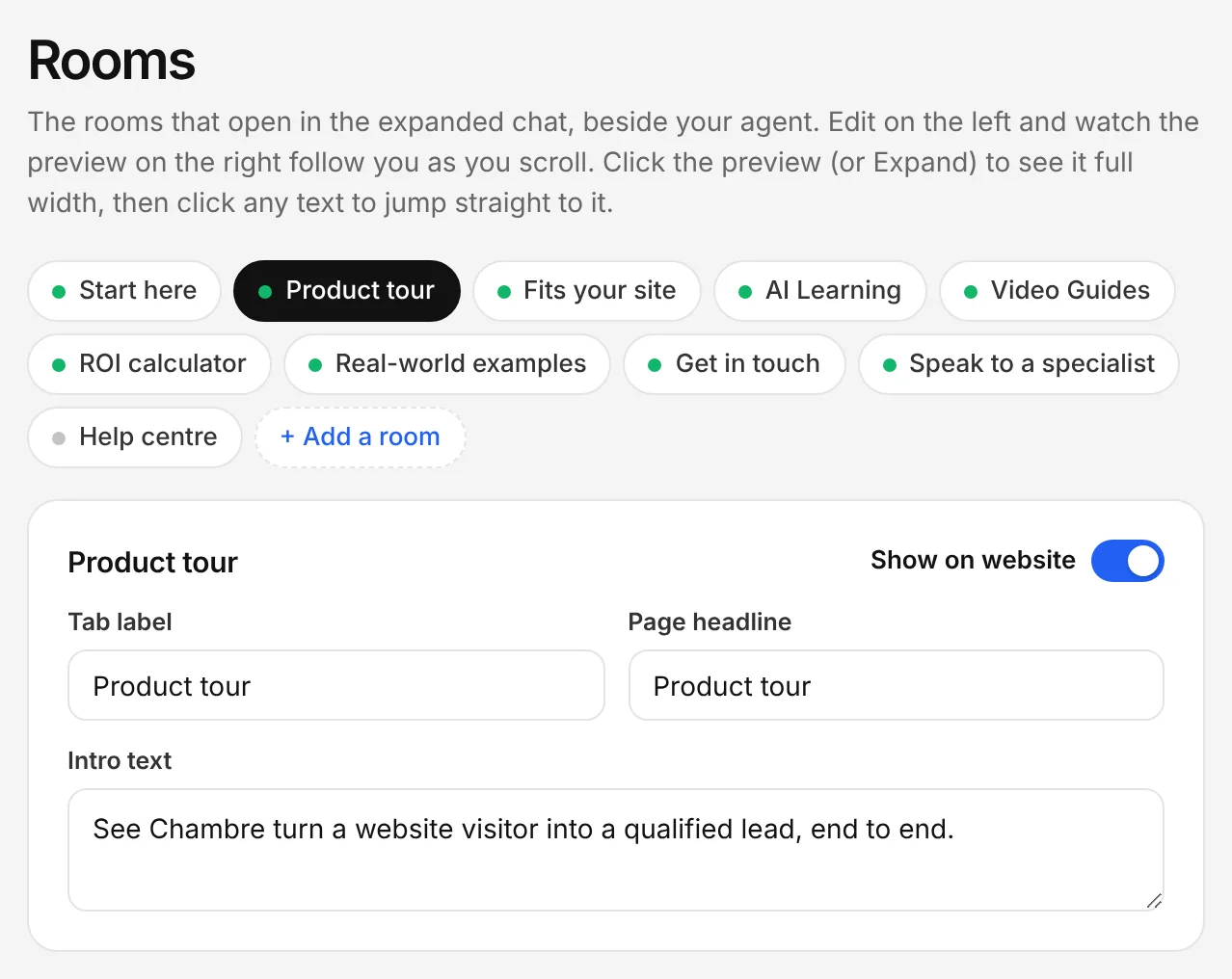
The Chambre console, shown with an example account.
Add presentations it can walk through
In the console: Agent Presentations
Upload a PDF or PowerPoint. The agent can present it slide by slide, narrating by voice, when a visitor wants the full story.
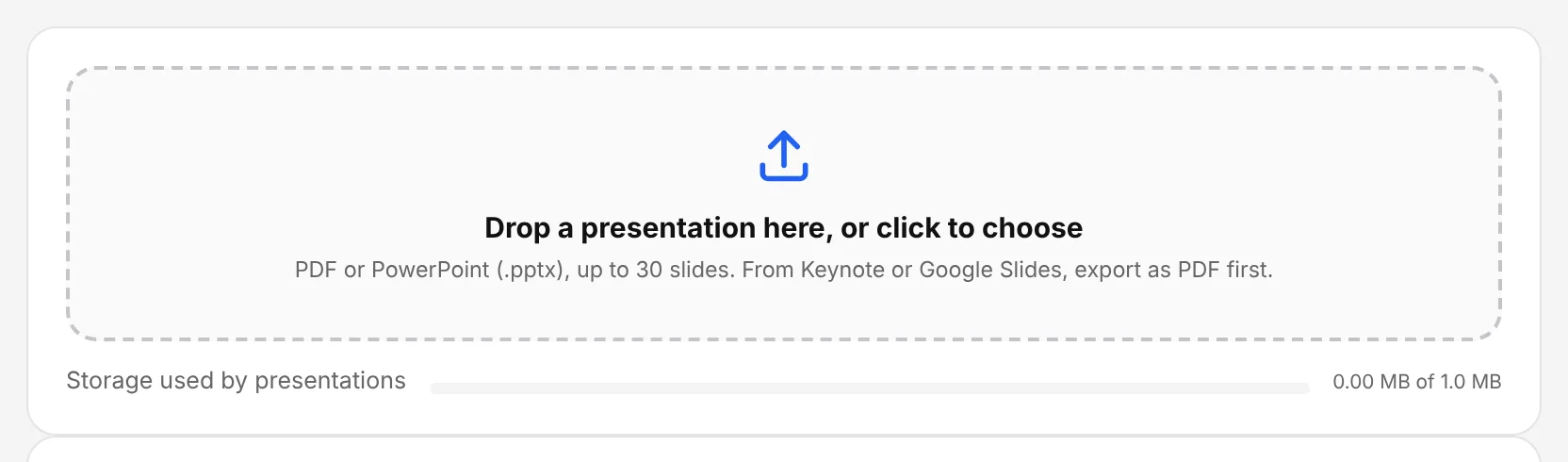
The Chambre console, shown with an example account.
Add a room of your own
In the console: Rooms › + Add a room
Add a room for anything else your buyers need: a case study, a comparison or an onboarding plan. Share it with your other agents if they need it too.
Check it as a visitor
In the console: Live preview › Expand
Expand the preview to see the full room beside the conversation, then ask questions that should open each room.