1
Create the room
In the console: ABM Rooms › Create your first room
Give Chambre the target company's website and the product you want to lead with. It drafts the page: their likely goals, the outcomes you can deliver and relevant case studies. Edit anything before you share it.
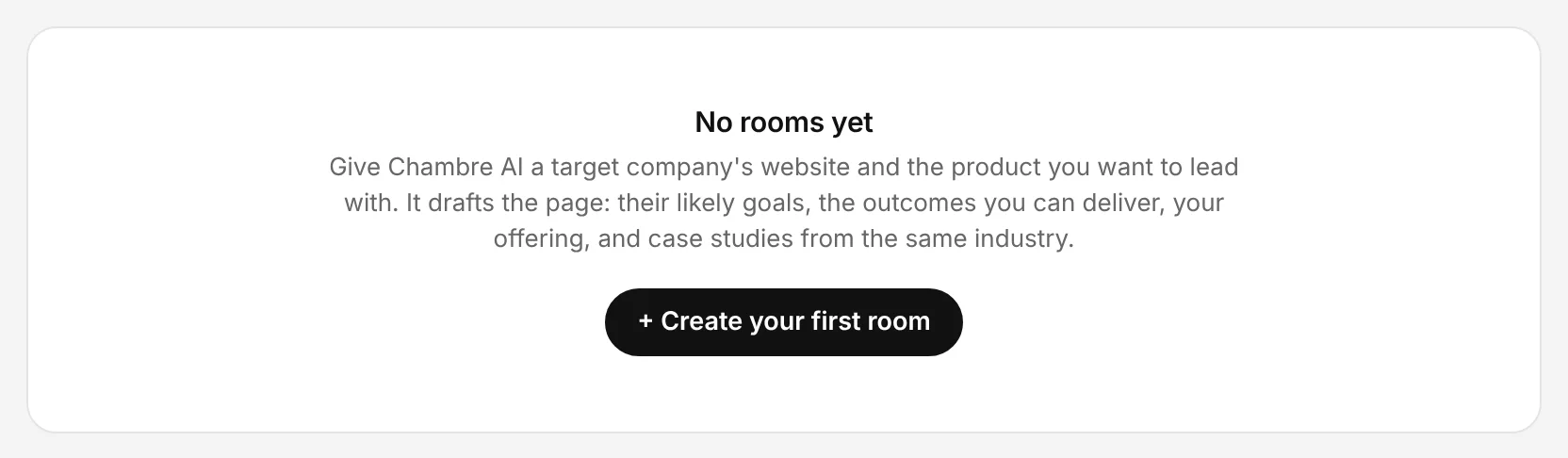
The Chambre console, shown with an example account.
Guardrail: check every claim about the target company before the link goes out.
2
Add the content they should see
In the console: ABM Content
Upload files, add videos, web pages or e-books, and tag them so the right pieces appear in the right rooms.
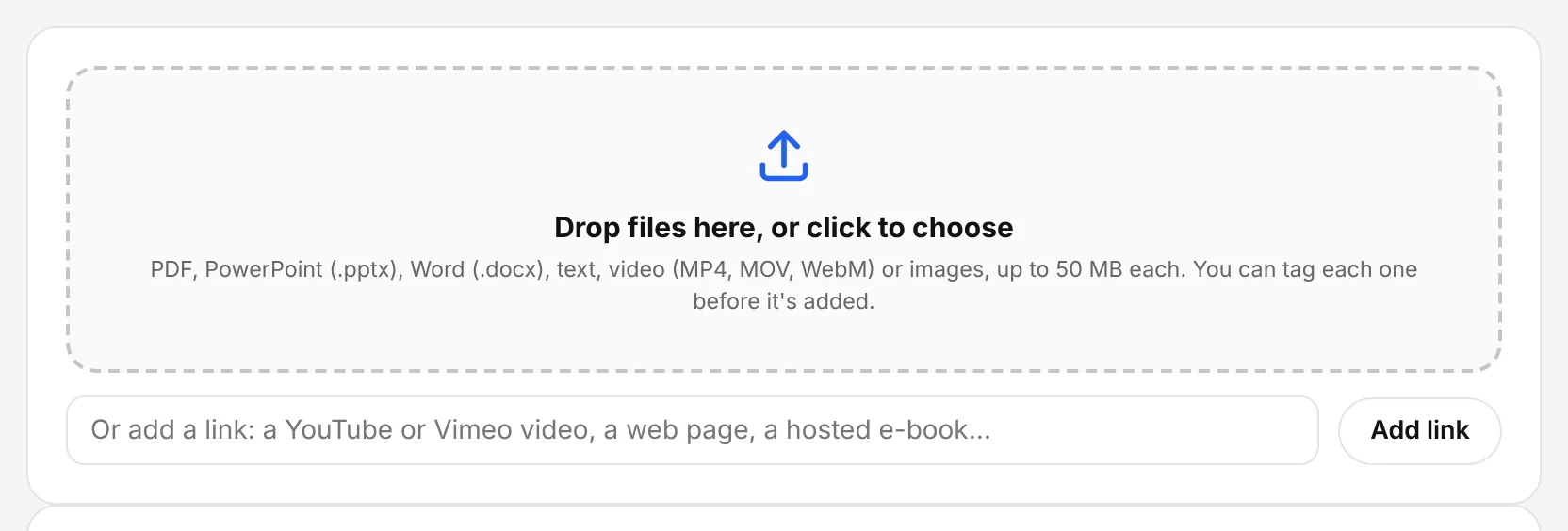
The Chambre console, shown with an example account.
3
Share the link and watch engagement
In the console: ABM Rooms
Send the private link from your outreach. See who visited, what they opened and whether they talked to the agent.