Create a place for leads to land
In the console: Zapier, Make or n8n
In Zapier, create a Zap with Webhooks by Zapier › Catch Hook and copy its address. Make and n8n work the same way with a webhook trigger. Or use an address on your own system.
Paste the address into Chambre
In the console: Integrations › Webhook
Paste it under Webhook and save. Every new lead is sent the moment it's captured.
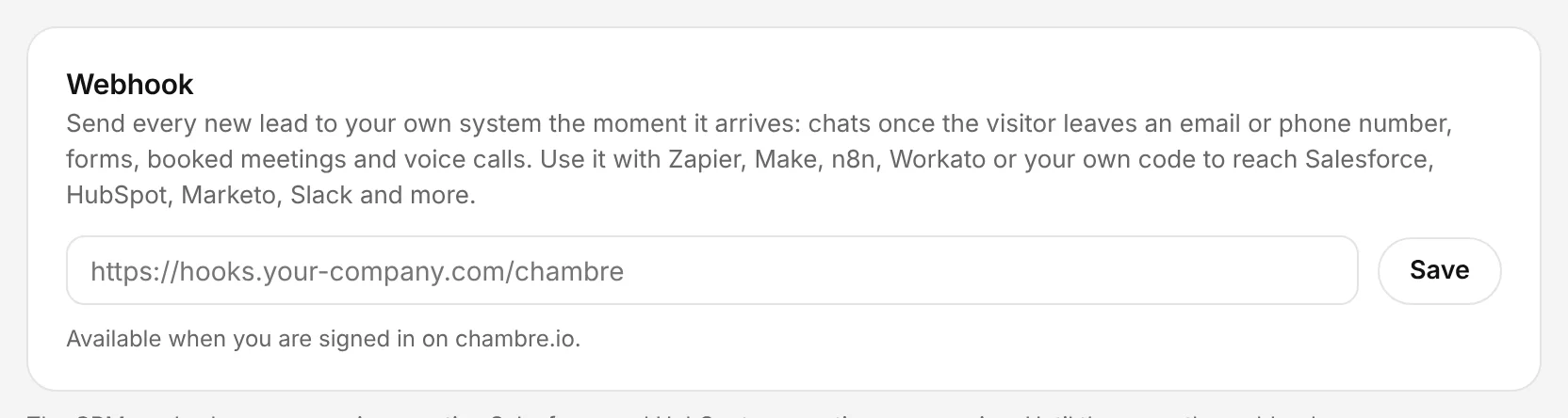
The Chambre console, shown with an example account.
Send a test lead and map the fields
In the console: Integrations › Send a test lead
Send a test lead, then map its fields to a HubSpot contact, a Salesforce lead or a spreadsheet row in your Zap.
Check it came from Chambre
In the console: Your own system
Each delivery carries a chambre-signature header: an HMAC-SHA256 of the timestamp and body with your signing secret. Check it before trusting the data. Failed deliveries are retried.