Choose the rooms it can open
In the console: Rooms
Rooms are what the agent shows beside the conversation: a product tour, ROI calculator, guides, forms and your own pages. Switch on the ones it may use; it opens the right one when the conversation calls for it.
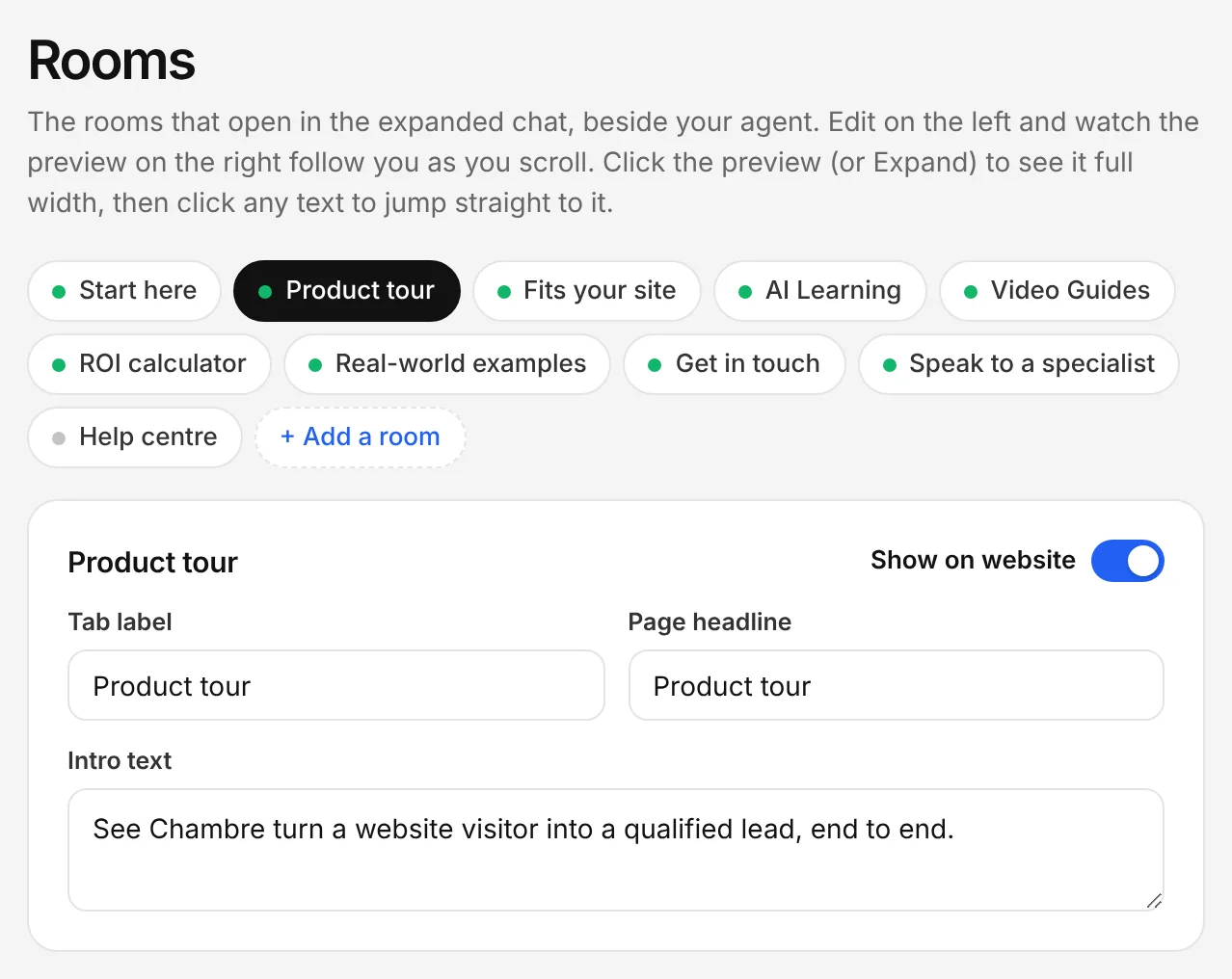
The Chambre console, shown with an example account.
Turn your buttons into actions
In the console: CTA Button Options
Decide what your website's buttons do: start a voice call, open a room, book a meeting or start a trial. Visitors get the action straight away instead of a form.
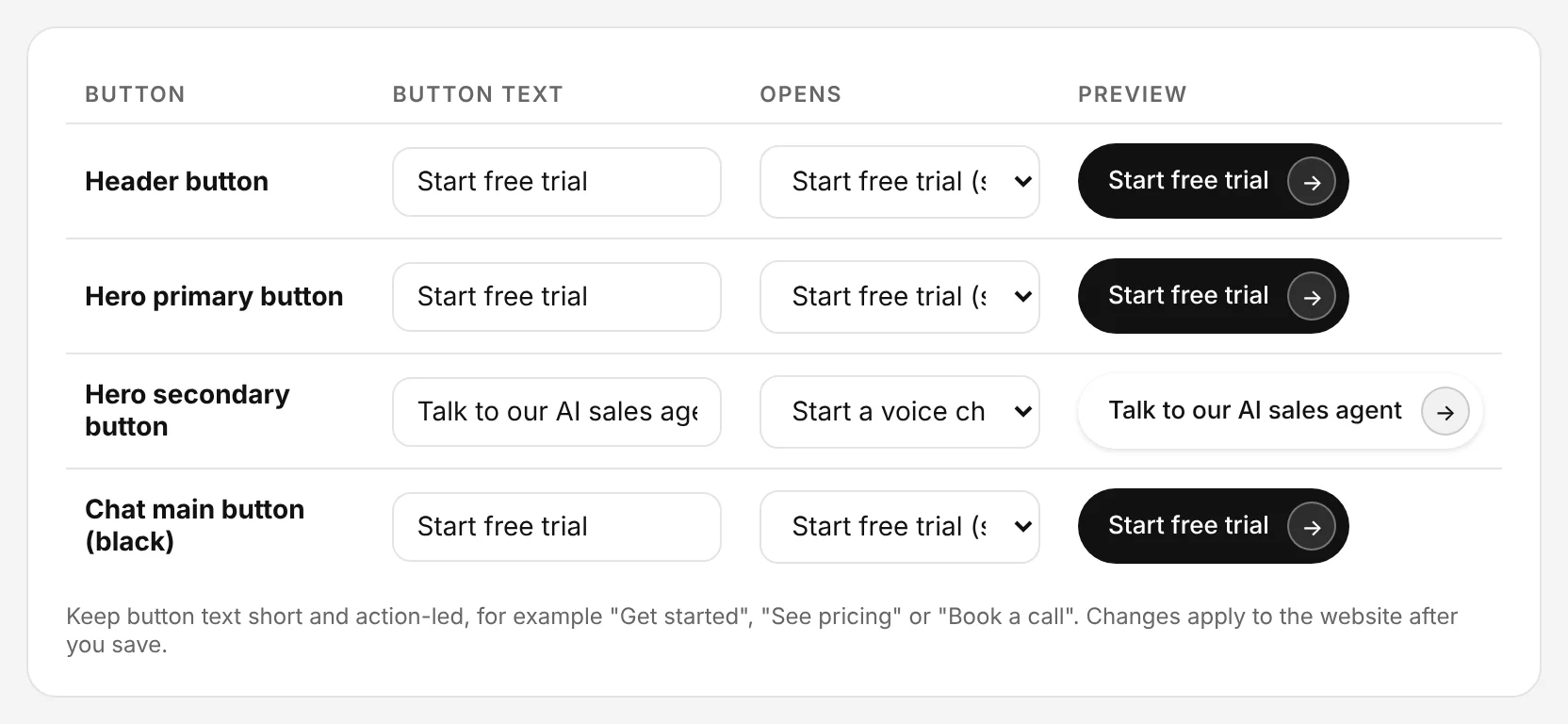
The Chambre console, shown with an example account.
Let it book meetings
In the console: Integrations › Meeting booking
Connect Google Calendar or Calendly and set your hours, meeting length and notice. When a visitor is ready, the agent offers real times and books the meeting there and then.
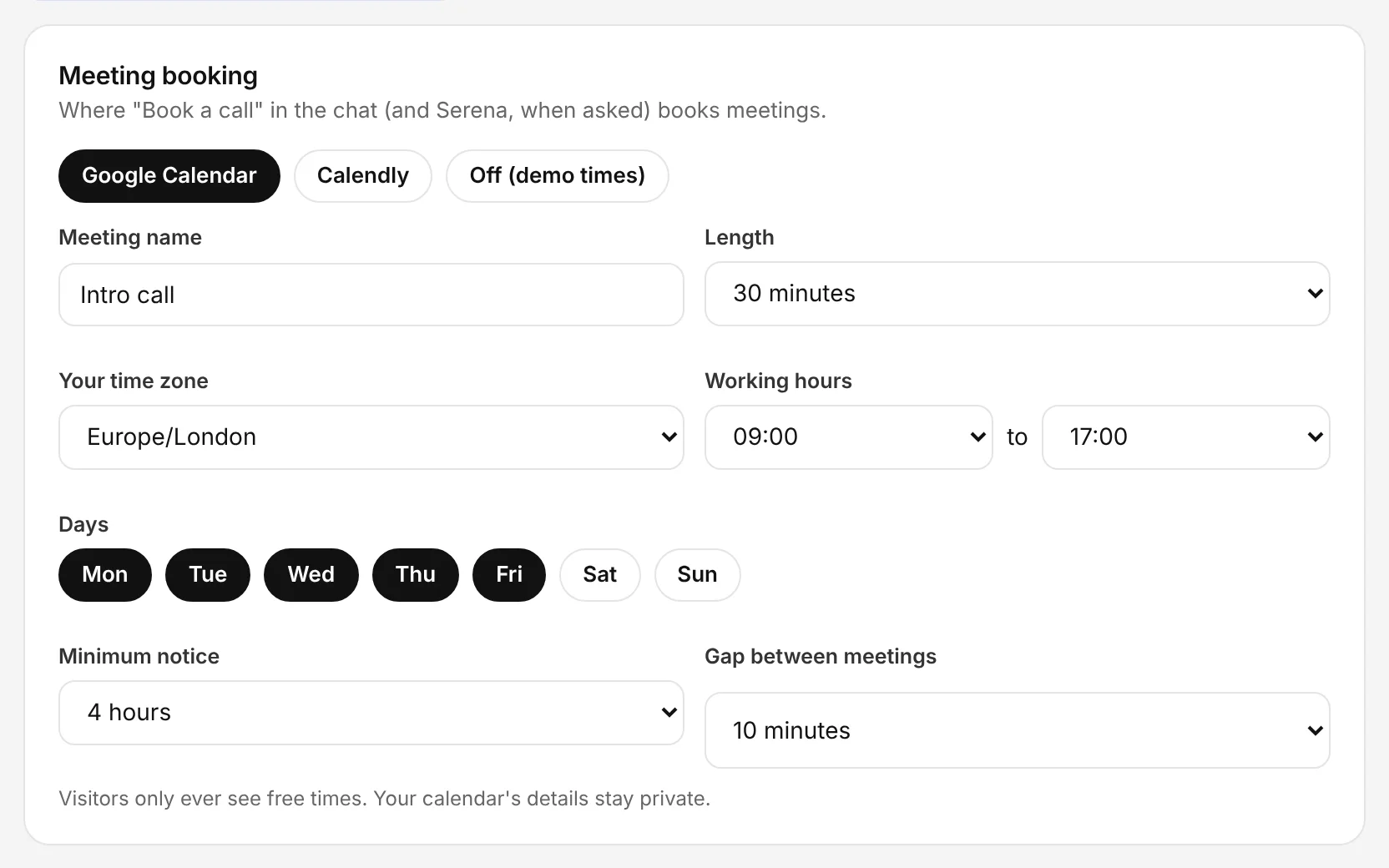
The Chambre console, shown with an example account.
Let it mention current offers
In the console: Offers & Promotions
Add offers with dates, codes and notes for the agent, and choose how they appear. It mentions an offer when it's relevant, once, without pushing.
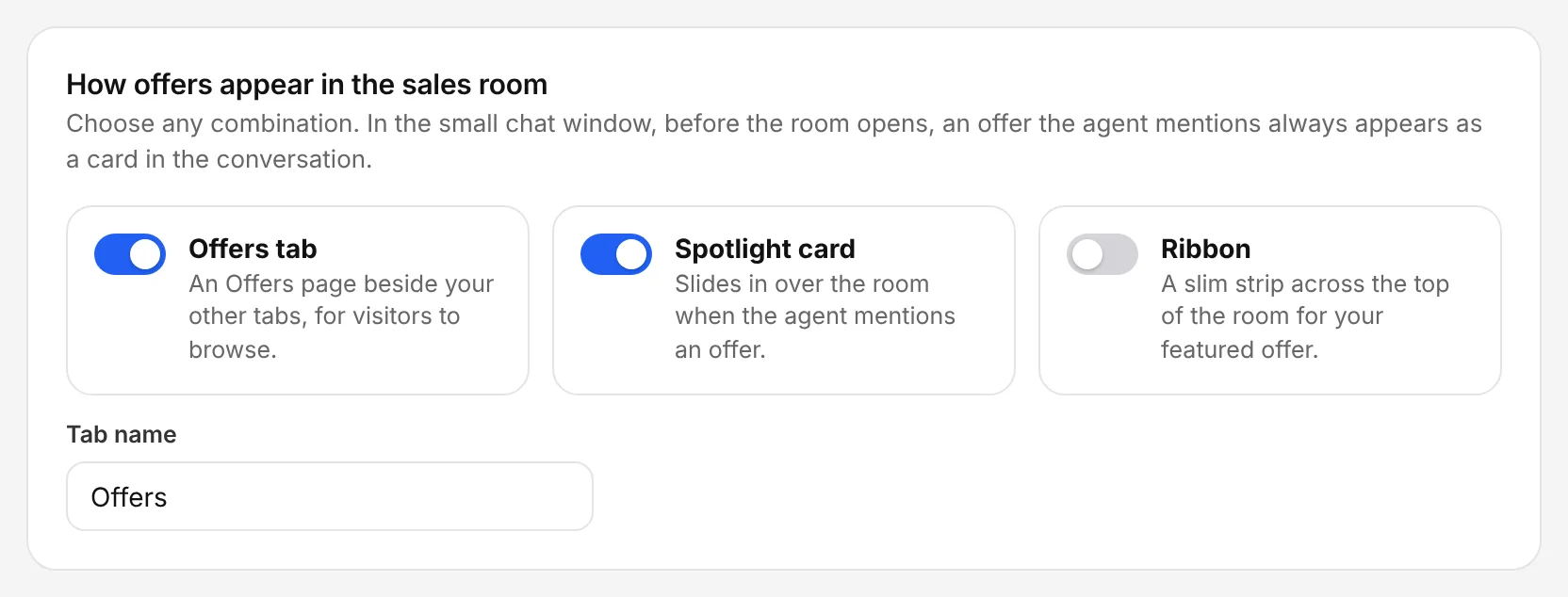
The Chambre console, shown with an example account.
Send every lead onwards
In the console: Integrations › Webhook
Paste the address of your CRM, Zapier, Make or n8n. Every new lead is sent the moment it's captured, with the contact details, qualification and transcript.
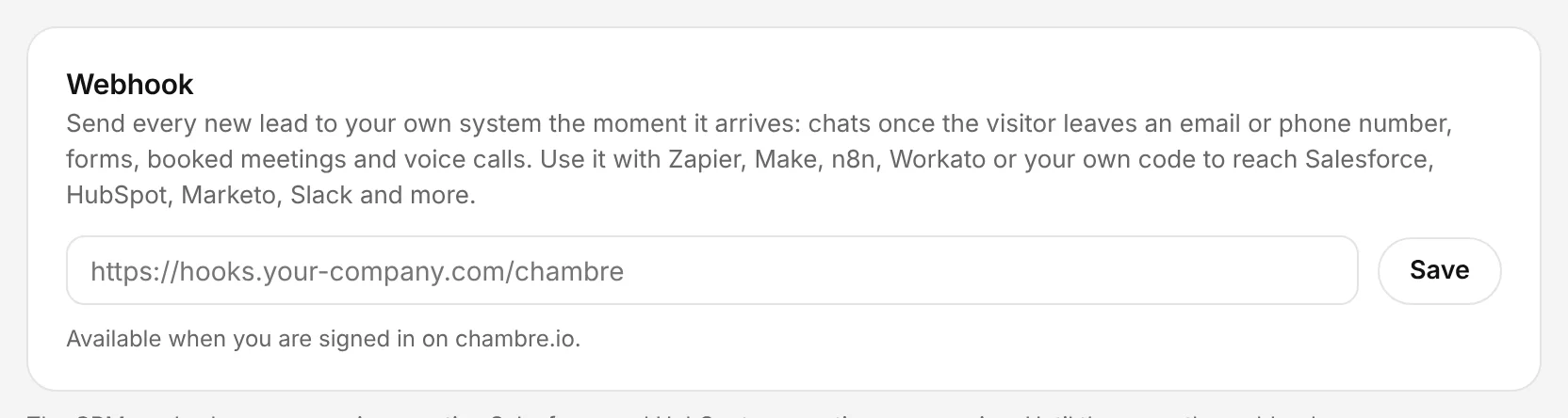
The Chambre console, shown with an example account.